One tool for every ritual your team runs
Retros, async standups, planning poker, polls, live quizzes, forms, and a whiteboard — all in real time, under one org, one login. Run them in the room and put them on the projector, or let everyone answer in their own time.
Free for small teams. No credit card. SAML/OIDC SSO available for organizations.

See it all in under two minutes
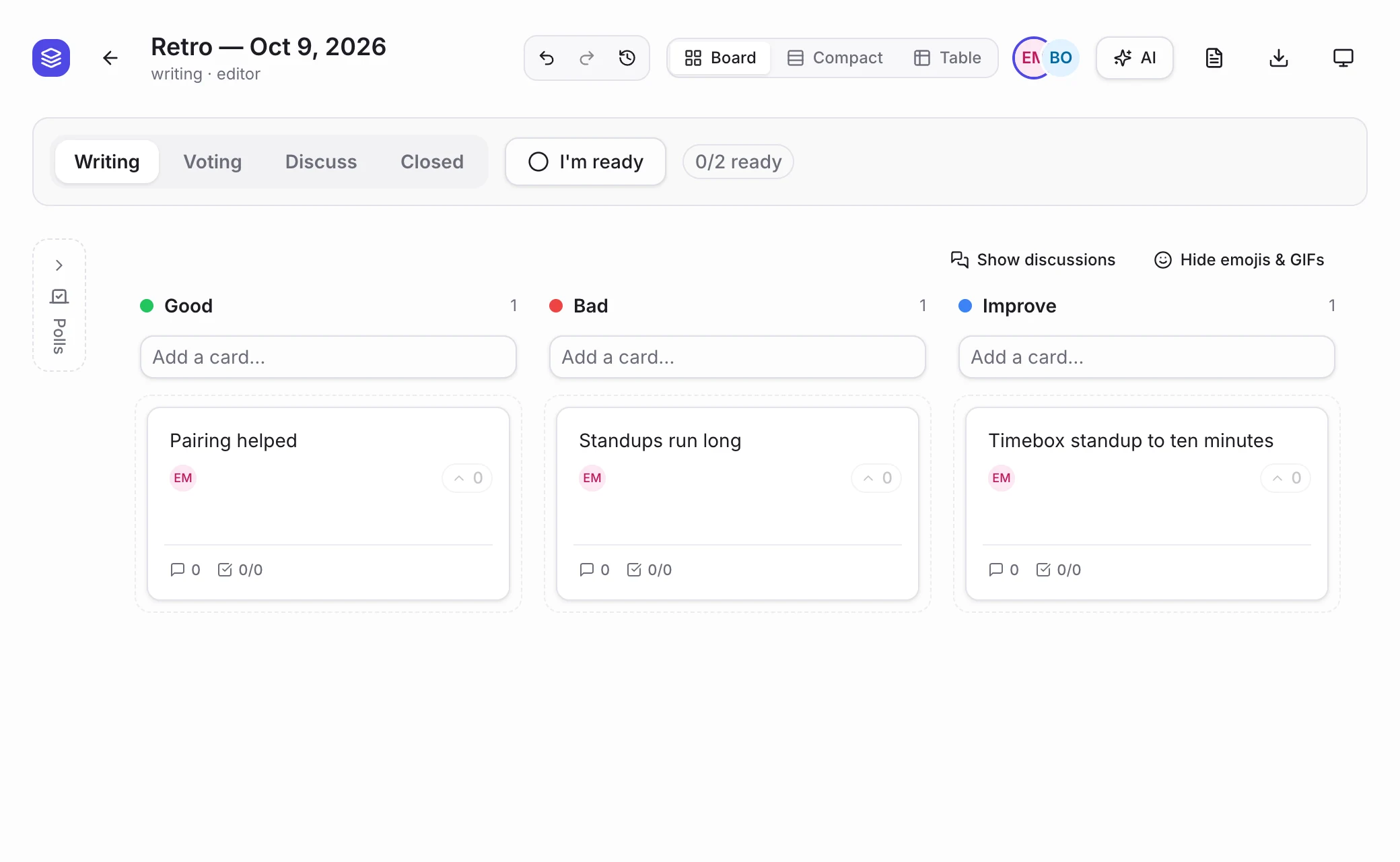
A retro from first card to vote, the follow-through, the team health check, planning poker, a live poll and the whiteboard, in the real app.
Jump straight in — no account needed
Retros, estimation, polls, quizzes, forms, and whiteboards start instantly with just a link — no signup, no setup. Save it to a free account later if you want to keep it.
New to one of them? Read the guides: planning poker, retro board, icebreakers and the team health check, or see every ceremony.
Standups
Async daily check-ins on a recurring schedule — needs a team, so it's one click further.
Sign up freeA retro that leads somewhere
These are screens from the app itself, with a made-up team. The retro is the start: what the team decides gets an owner, comes back at the next retro, and shows up in how the team is doing.

Know how the team is really doing, before it becomes a problem
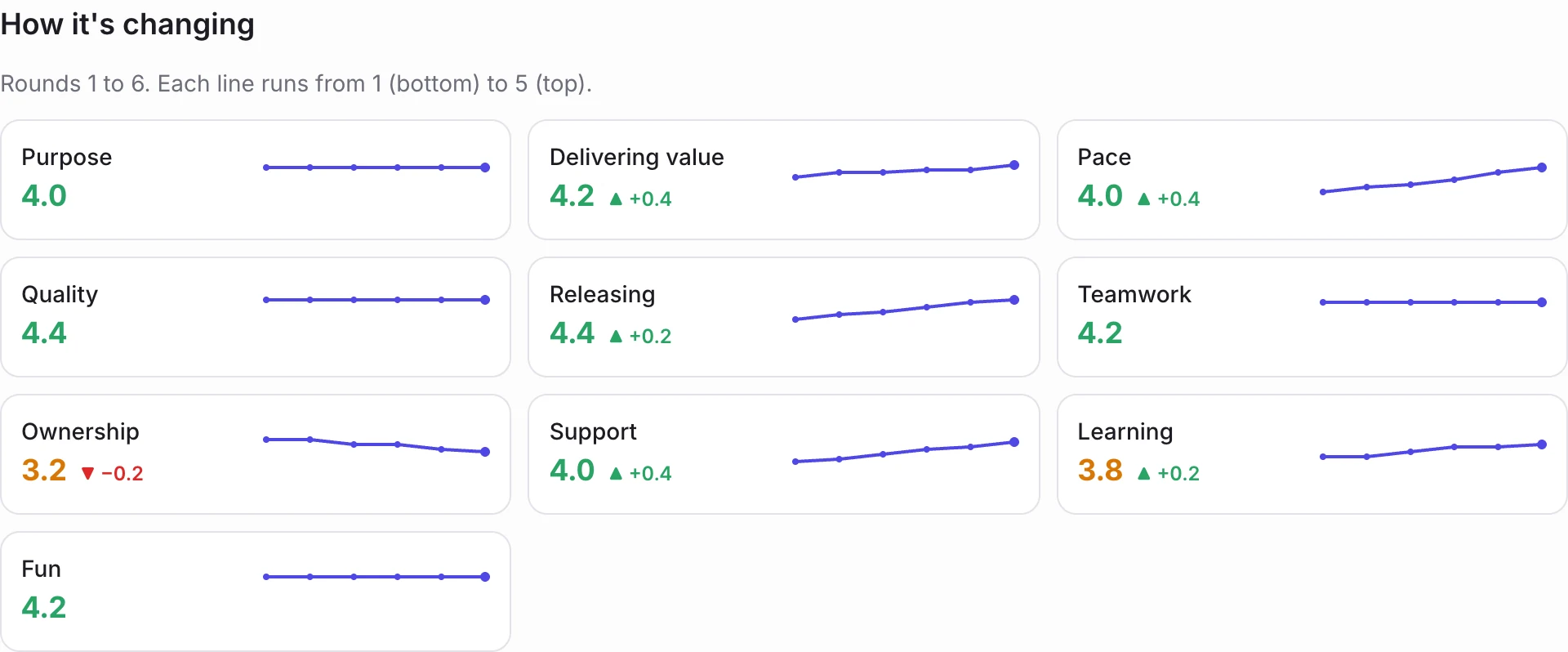
Everyone rates a handful of statements about purpose, pace, quality and teamwork from 1 to 5. It takes a minute, it's anonymous, and over a few rounds it tells you things a retro rarely does.
- It comes around by itself every few weeks, and everyone is invited by email.
- Answers are never tied to a person, and results only appear once at least three people have answered.
- The trend lines show what is getting better and what is slipping (Team plan).
- Keep the standard statements, change them, or add your own.


Did we do what we said?
Most retros end with a list nobody looks at again. Here the next retro starts with the last one's promises, and anything overdue is hard to miss.
- Give every action item an owner and a due date, or turn a card into one with a click.
- What's still open from earlier retros is one click away from the one you're running.
- Owners get an email when something is assigned to them, and reminders while it's open.
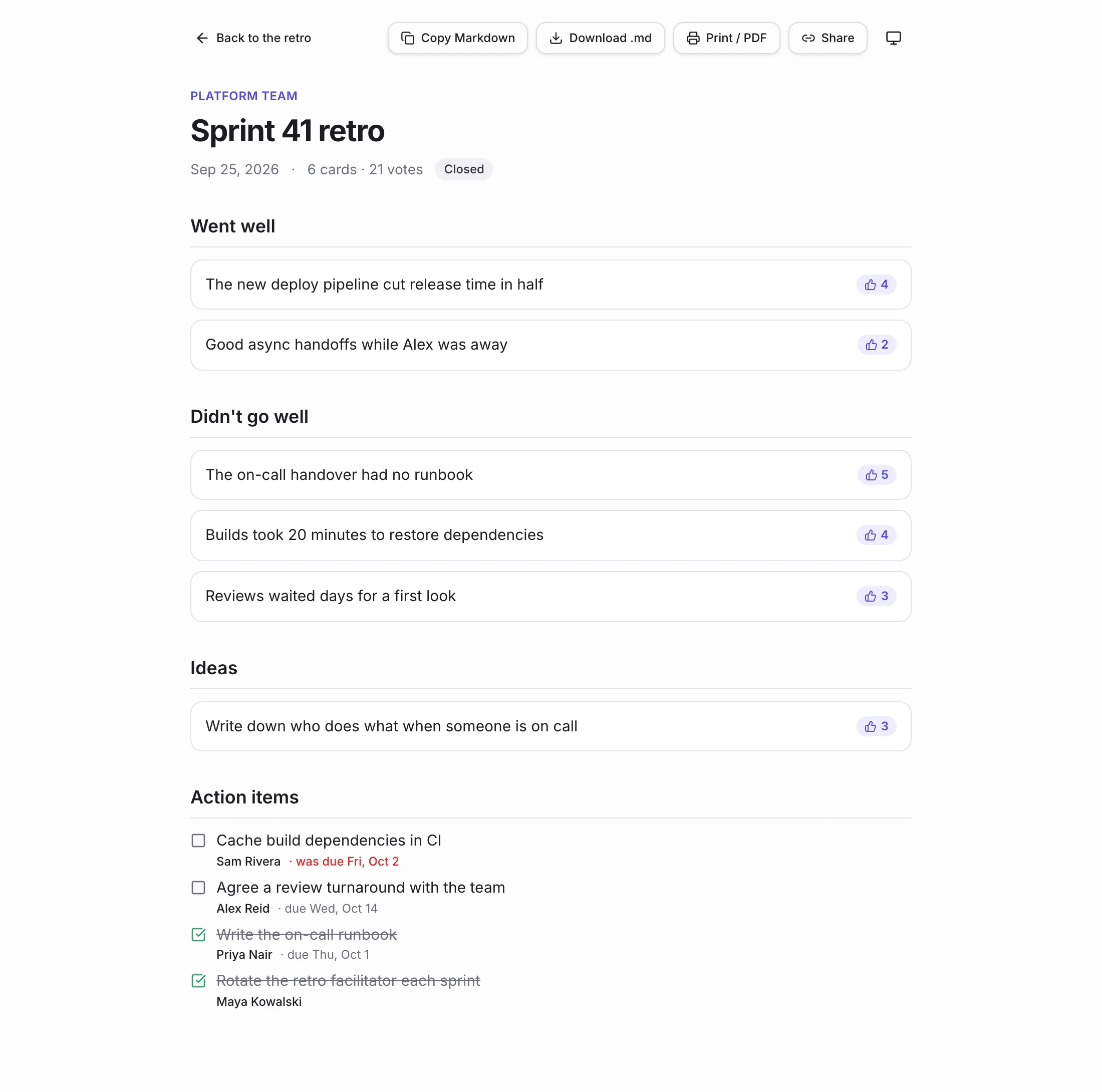
Share what the team decided, in one link
When the retro closes, the write-up is already done. Nobody has to copy things out of a board into a document afterwards.
- Cards by column with their votes, and the action items with owners.
- Copy it as Markdown, download it, or print it to PDF.
- Share a read-only link, or have the summary emailed to the team when you close the retro.
Every ritual your team runs, nothing it doesn't
Seven ceremonies in four groups — pick what you're trying to do, and see how it works. Covered end to end, not a subset with the rest left for other apps.
The classic team meetings: look back on the sprint, size the next one, sketch what doesn't fit in columns.
Sprint 42 Retro
board · owner
Fewer tools, not more dashboards
Retros, standups, estimation, polls, quizzes, forms, and a whiteboard are usually seven separate tools nobody fully adopts. Agile Rituals keeps all of them under one org, one team, one login.
The old way
- A retro doc nobody reopens after the meeting ends
- Standups that quietly stop happening once the novelty wears off
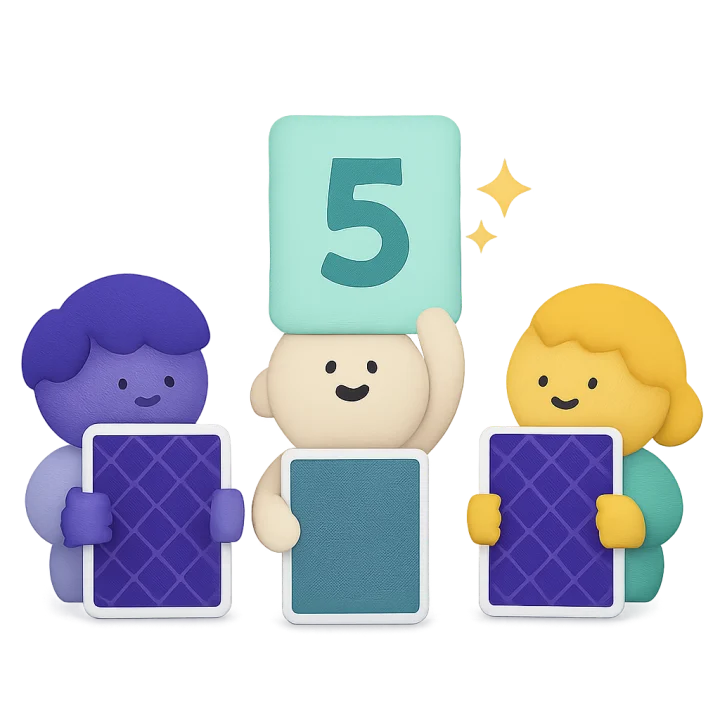
- Planning poker in yet another tab, disconnected from the team it's for
- A whiteboard tool that's its own separate subscription and login
- A survey app for feedback and a quiz app for the offsite, neither of which knows your team
With Agile Rituals
- Retros, standups, estimation, polls, quizzes, forms, and a whiteboard — all under the same org and team
- Boards stay searchable sprint after sprint — nothing gets lost in a doc
- One login, one SSO setup, every ritual your team runs
Team 1
Demo Org · 6 members

Four phases, one continuous retro
Here's how a retro plays out start to finish. Standups, planning poker, polls, and quizzes run the same live way, minus the phases. A whiteboard skips phases entirely — just an open canvas for as long as your team needs it.
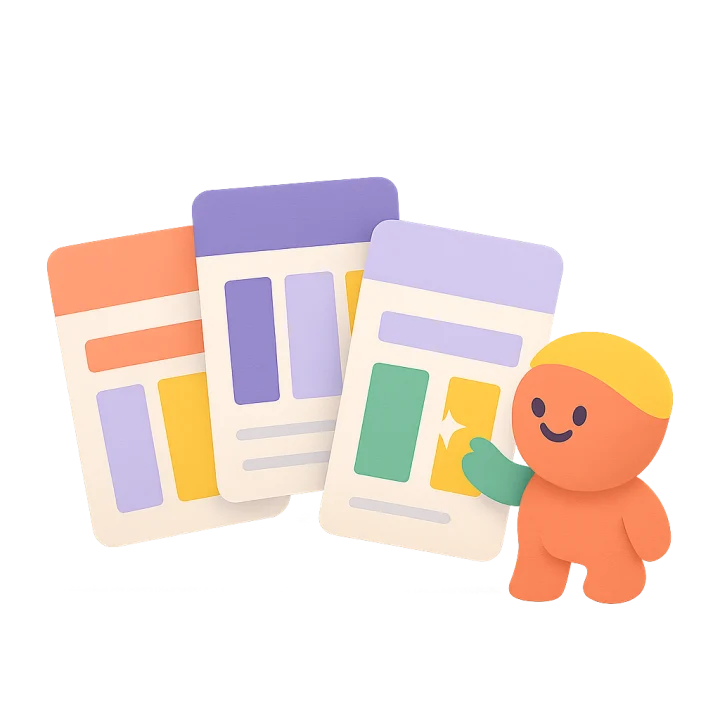
Pick a format
Classic Good/Bad/Improve, Mad/Sad/Glad, Start/Stop/Continue, 4Ls, Sailboat, DAKI — or start from a blank board.
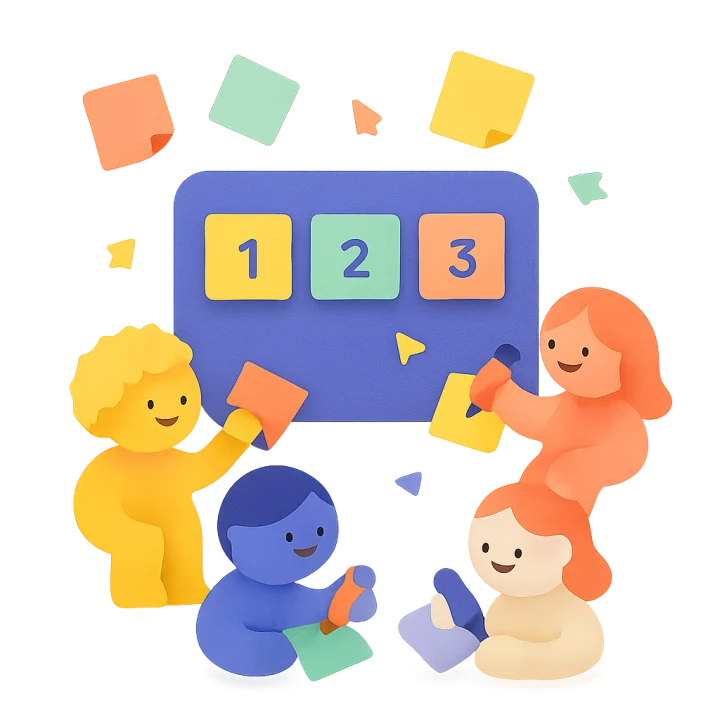
Everyone writes, together
Cards appear the moment teammates add them. Presence indicators show who's typing, who's just watching.
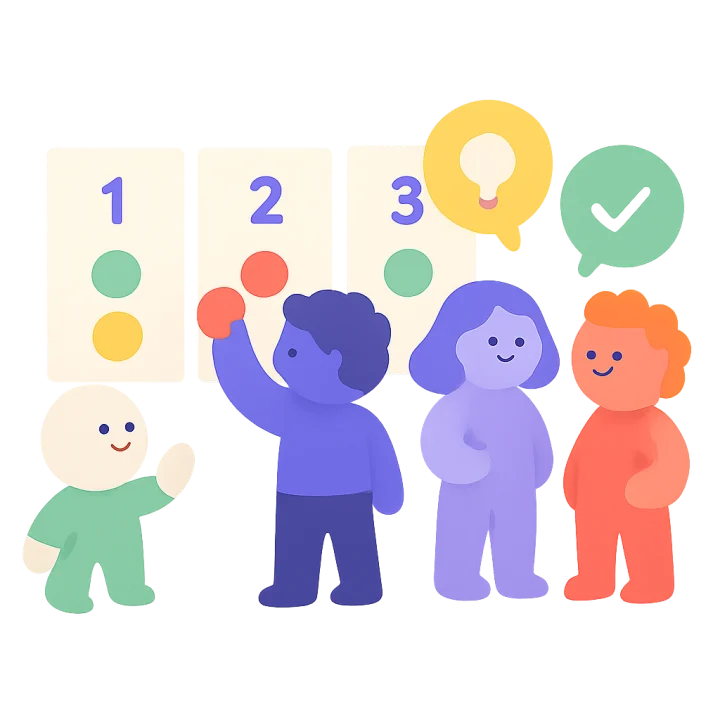
Vote, then discuss
Move the phase to Voting for a fixed dot-vote budget per person, then to Discuss to work through what surfaced.
Close it out
Mark the board Closed. It stays exactly as the team left it — searchable and there for next sprint's retro.
Scales from one team to a whole company
Small teams
Create an org, add your team, and run your first retro, standup, or planning session in minutes on a generous free tier — every view, every template included.
Whole companies
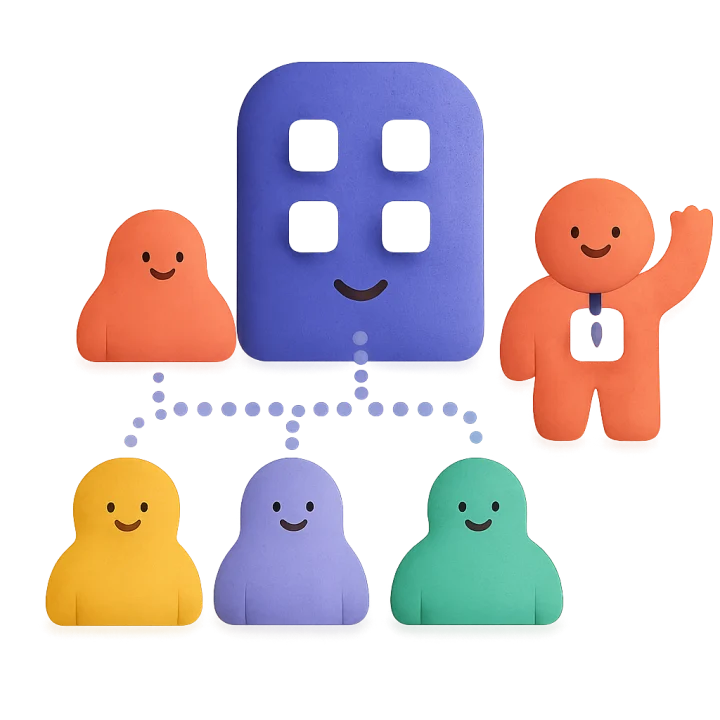
Structure multiple teams under one organization, turn on SAML or OIDC single sign-on through self-hosted Keycloak, and bring in external contractors as scoped guest collaborators.
Start free, upgrade when your team needs more
No credit card to start. Upgrade or downgrade any time from your organization's settings.

Free
$0forever
For a single team getting started
- Up to 10 members
- 1 team
- 3 live boards at a time
Team
From $3per member / month
Unlimited teams, boards, and AI-assisted retros. Less per member as you grow.
- Unlimited teams & members
- Unlimited live boards
- Team insights
- AI features

Business
From $6per member / month
SAML/OIDC SSO and audit-log for compliance-minded orgs
- Everything in Team
- SAML & OIDC single sign-on, SCIM
- Organization audit log and public API
- $135 a month minimum (up to 25 members)
Priced by volume, and only for people with accounts
Each step applies only to the members inside it. On Team it's $3 per member for the first 10, $2.50 up to 100 and $1.50 beyond, so 10 members is $30 a month, 100 is $255 and 500 is $855. Business is $135 a month for up to 25 members, then $5 per member up to 100 and $3 beyond.
Only members with an account count. Anyone who joins a retro, poll or quiz through a link or a join code is a guest and is always free, so a company-wide quiz costs nothing per attendee.

Questions you'd ask before rolling this out
What's actually included — do I need other tools alongside this?
Retros, async standups, planning poker, polls, live quizzes, forms, and a whiteboard all live under the same org and team. That's the point: one login instead of seven separate subscriptions.
Is there actually a free plan?
Yes — up to 10 members, 1 team, and 3 live boards at a time, no credit card required. It's enough to run real retros, not a time-limited trial.
Do guests need to create an account to join a retro?
No. Share a link — optionally protected with a passcode — and anyone can join by name as a guest. No signup, no password, no account to manage afterward.
Can we require single sign-on for our organization?
Yes. Connect your identity provider via OIDC or SAML, per organization, on the Business plan — and optionally enforce it so members must sign in through your IdP.
Can we export or delete our data?
Yes. Organization owners can export the org's data on demand, and an individual member's data can be erased on request without affecting the rest of the org.
What happens to our boards if we downgrade?
Nothing is deleted. You downgrade or cancel from your organization's billing settings, and the paid plan keeps working until the end of the period you've paid for. History stays intact — only tier-gated features like SSO or unlimited teams become unavailable afterwards, until you upgrade again.
How is billing calculated?
Per member, per month, billed through Stripe, with the price per member falling as your organization grows. Only members with an account count; guests who join through a link or a join code are free. Upgrade or downgrade any time from your organization's settings — no sales call, no contract.
Run your next ritual live
Set up your organization and invite your team — whatever ritual you're running, retro to quiz, is ready before the meeting starts.
Start free — no card required